
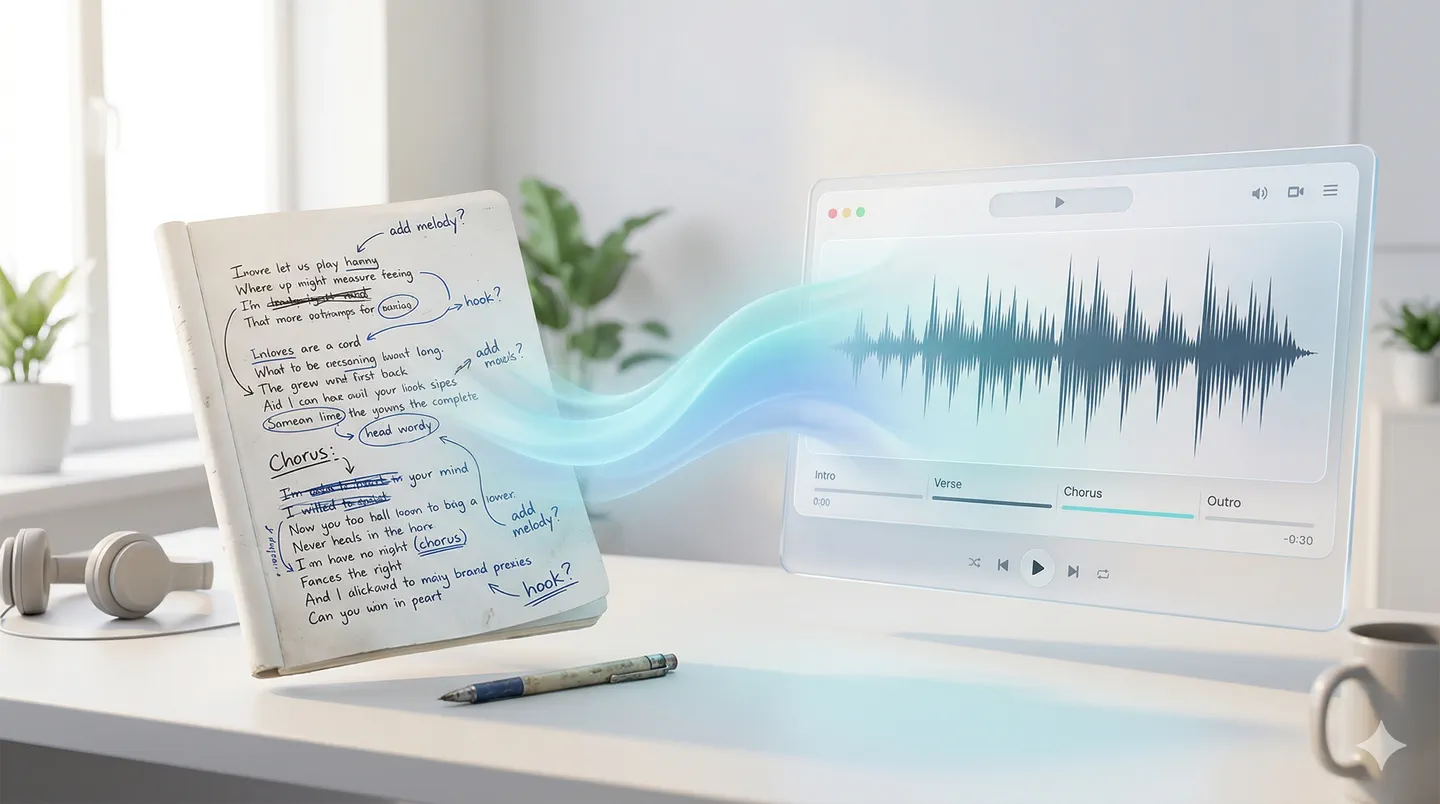
Start with unfinished lyrics and still get a real song
Lyrics To Music is built for rough starts. A hook idea, poem, verse draft, or unfinished chorus is enough to begin generating a first playable song.
Start from a rough ideaPaste lyrics, a poem, a hook, or a rough draft and hear it become a full song with melody, vocals, sections, and production. Start free in your browser.
Listen to how Lyrics To Music turns lyric lines, chorus drafts, and rough hooks into playable demos across pop, cinematic, indie, and creator-ready styles.
Move from lyric draft to usable song draft faster, while keeping supporting tools nearby when you need to write, extend, or refine.
Lyrics To Music is built for rough starts. A hook idea, poem, verse draft, or unfinished chorus is enough to begin generating a first playable song.
Start from a rough idea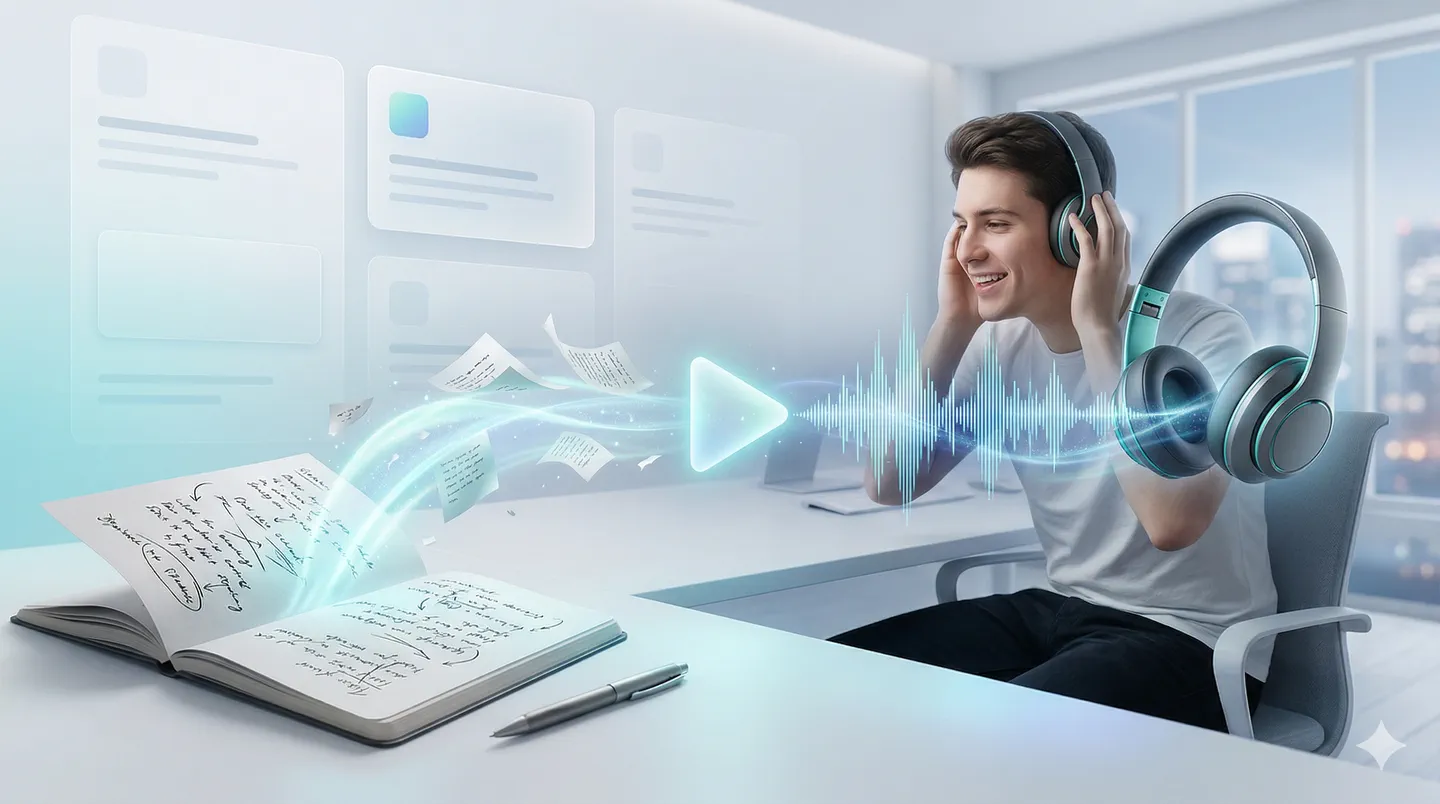
Paste unfinished lyrics into the lyrics-first song workflow and Lyrics To Music builds melody, sections, and vocal phrasing around the words you already wrote.
Turn lyrics into a song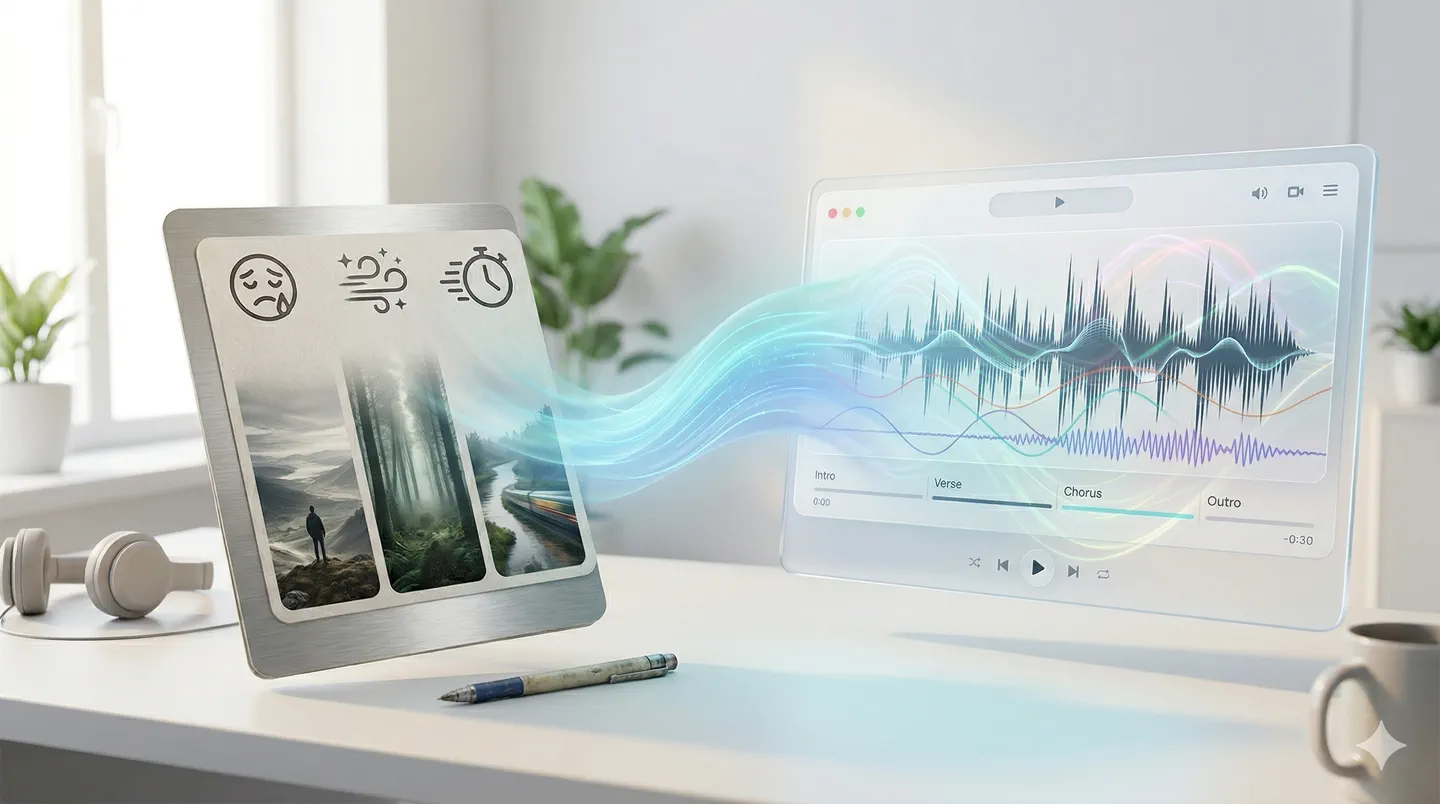
When the project needs atmosphere first, describe the visual, pacing, or emotion and create instrumental music before you add words or vocals.
Create instrumental music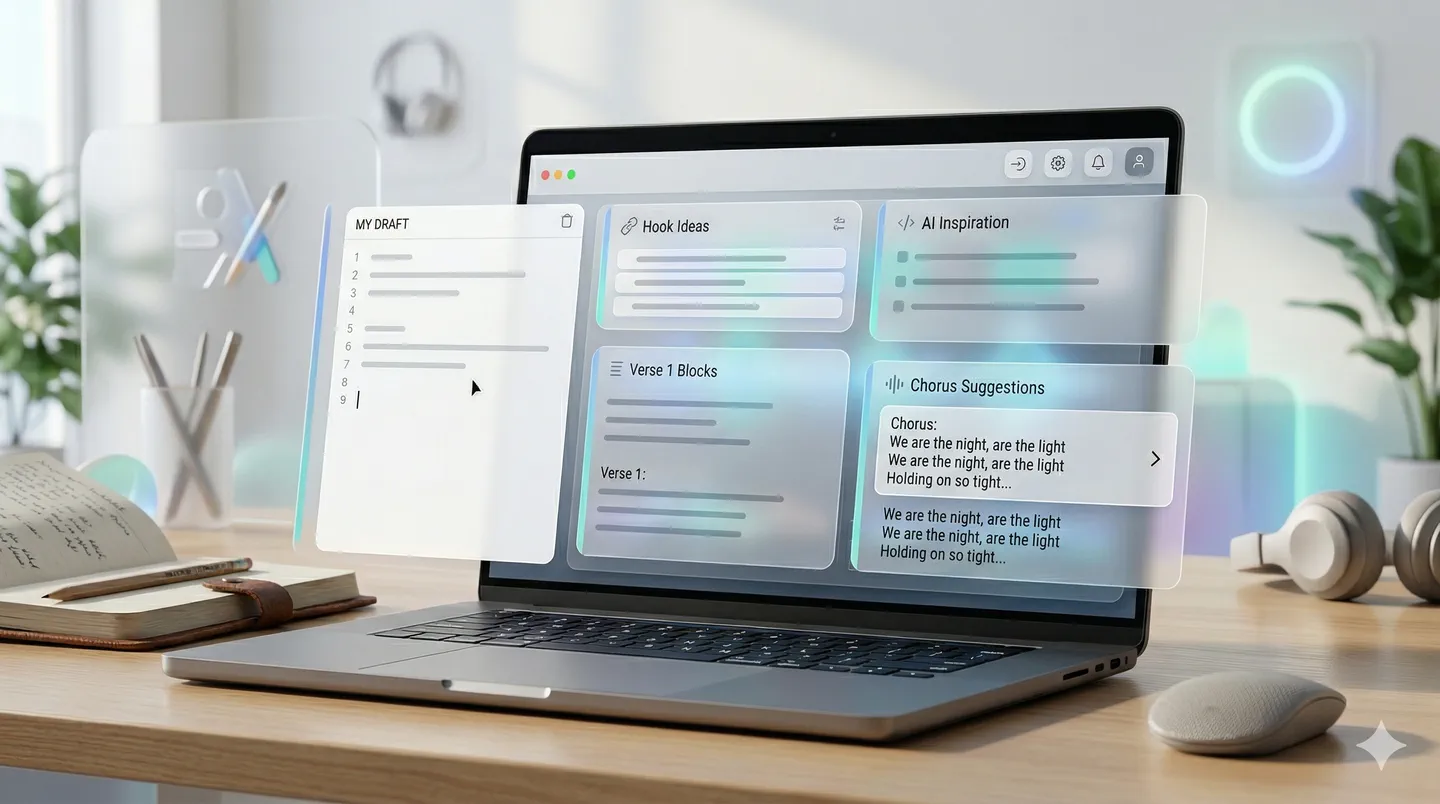
Use the AI lyrics generator to test hooks, choruses, and story angles first, then move your best version into the song workflow.
Draft lyrics first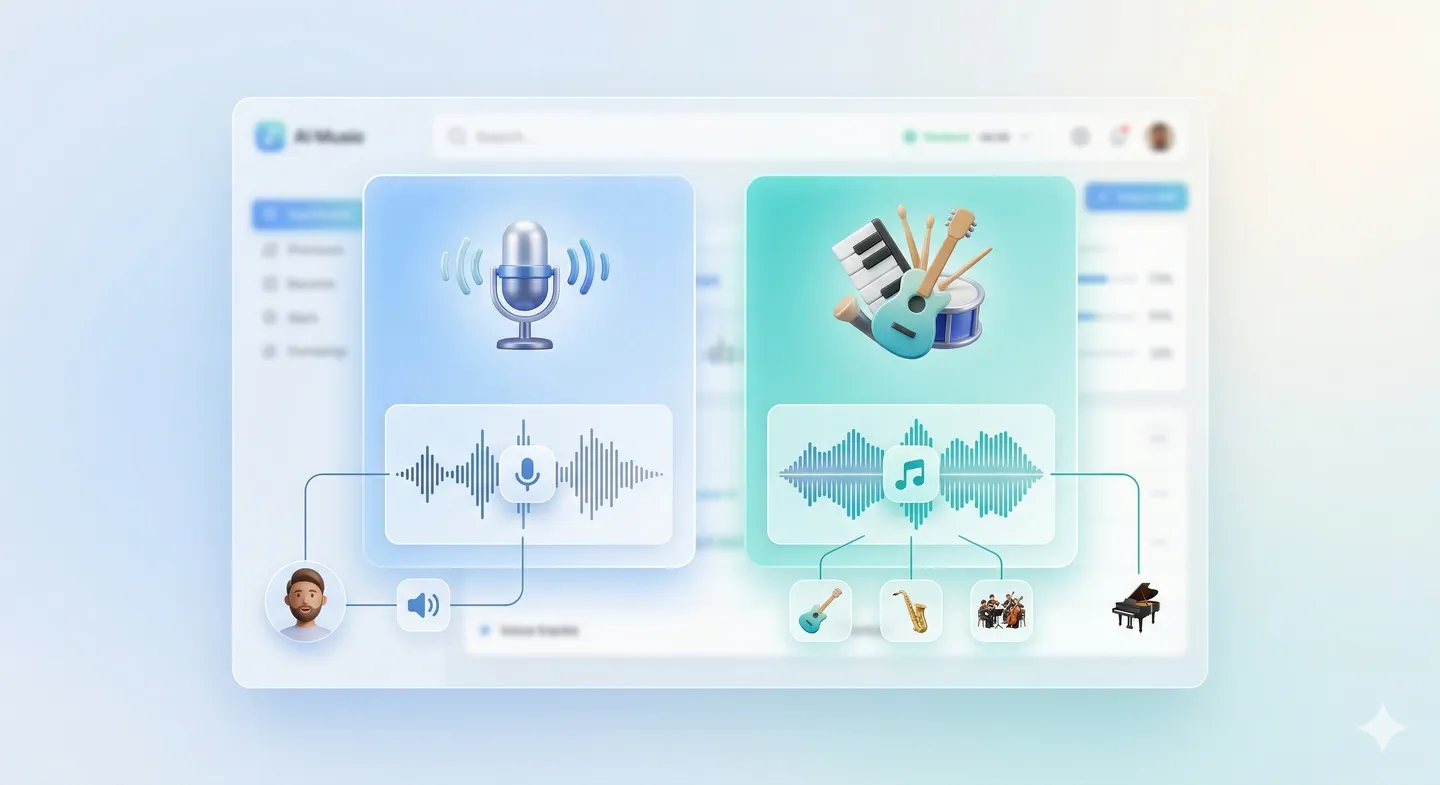
Keep momentum inside one workflow. Extend promising songs, split vocals and stems, and shape the strongest result instead of restarting from scratch.
Refine a generated song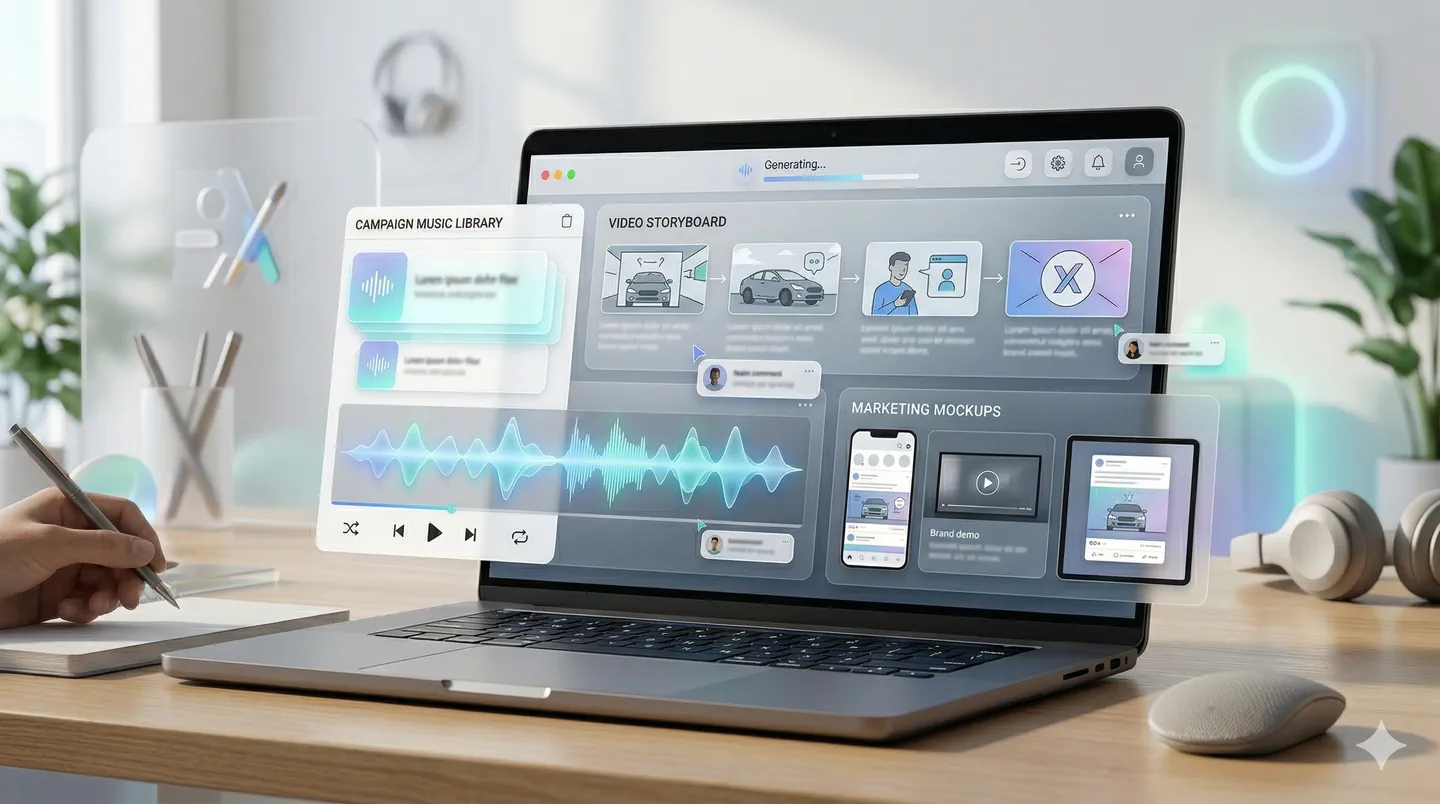
Generate songs and instrumentals that are ready for creator, client, and release workflows across demos, content, campaigns, and pitch work.
Compare plans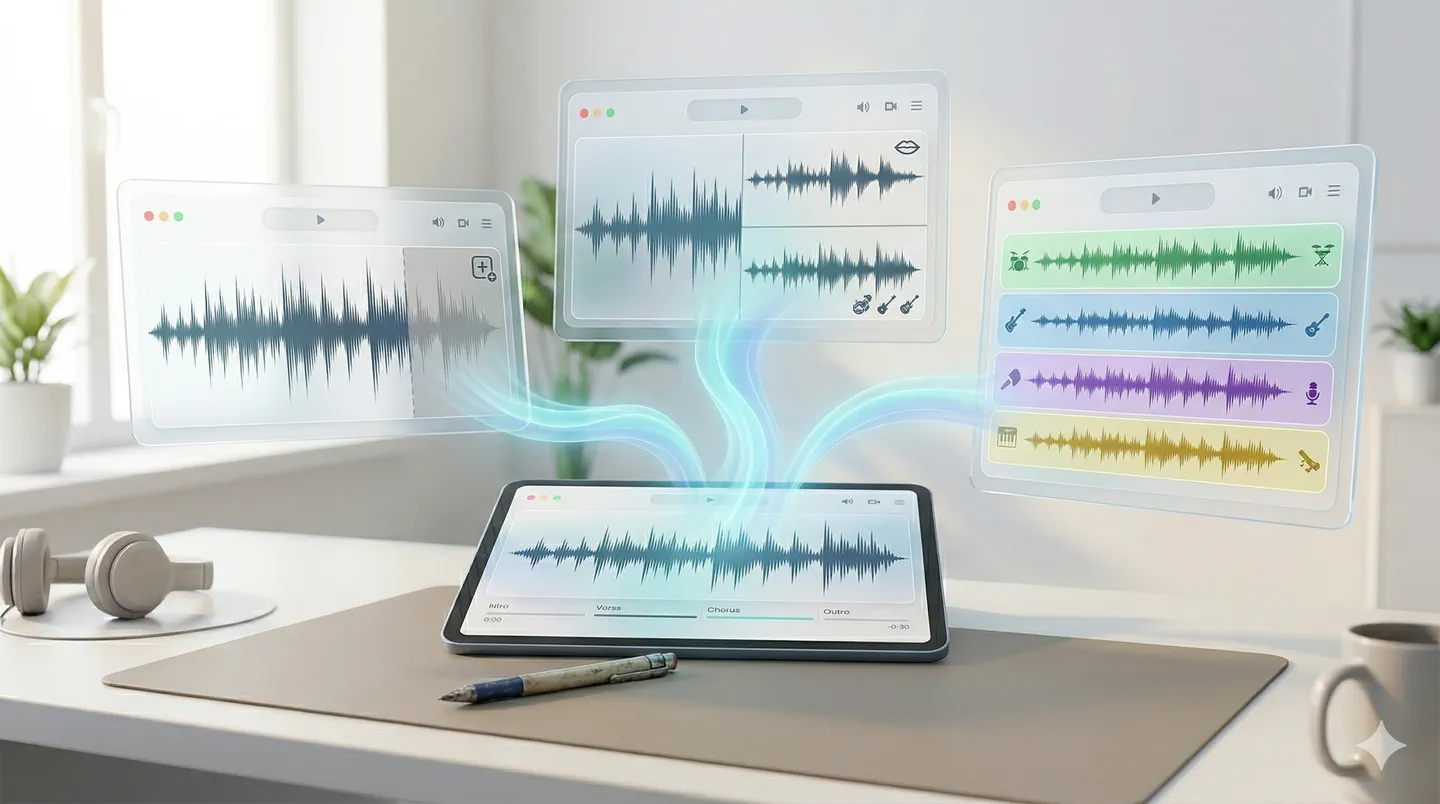
Lyrics To Music is designed to shorten the gap between writing words and hearing a version back, so you can react quickly and decide what to do next.
Make a first version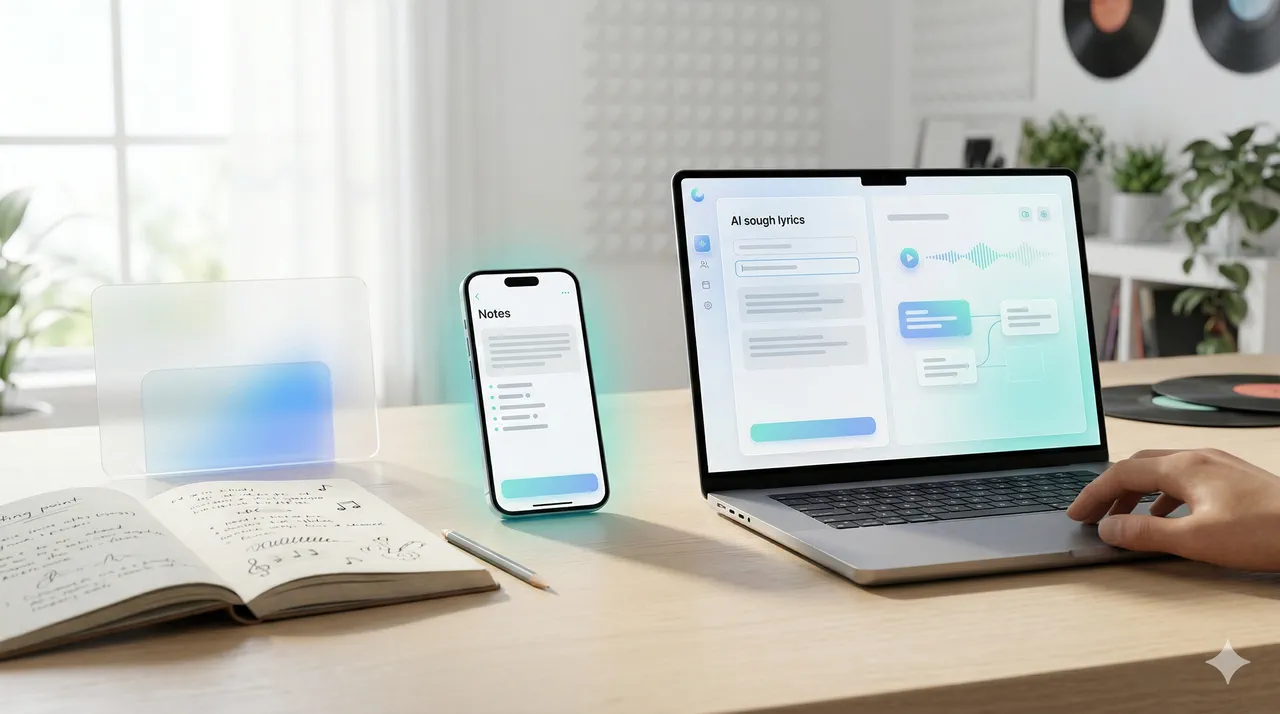
Add the words you already have, such as a lyric draft, poem, hook, chorus idea, or a few lines that capture the feeling of the song.
Draft lyrics first →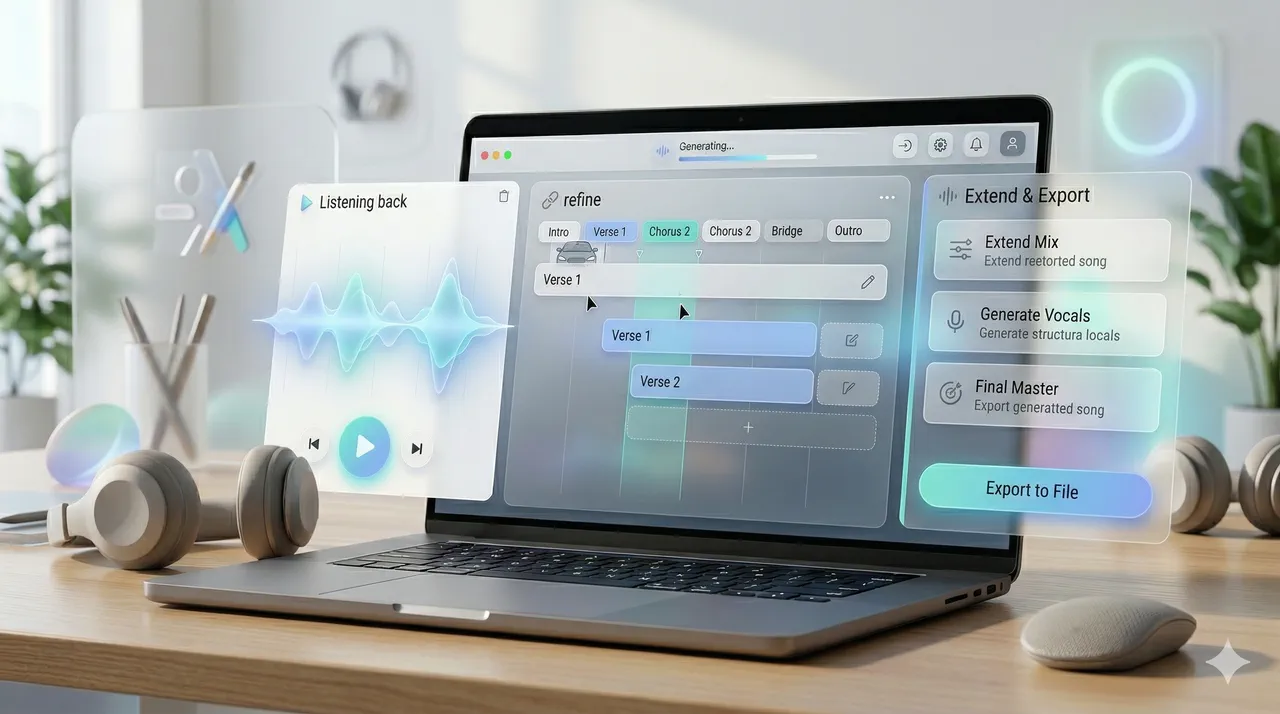
Use the lyrics-first song workflow when you want a full vocal song from lyrics, or switch to Text to Music when you need instrumental direction first.
Generate your song →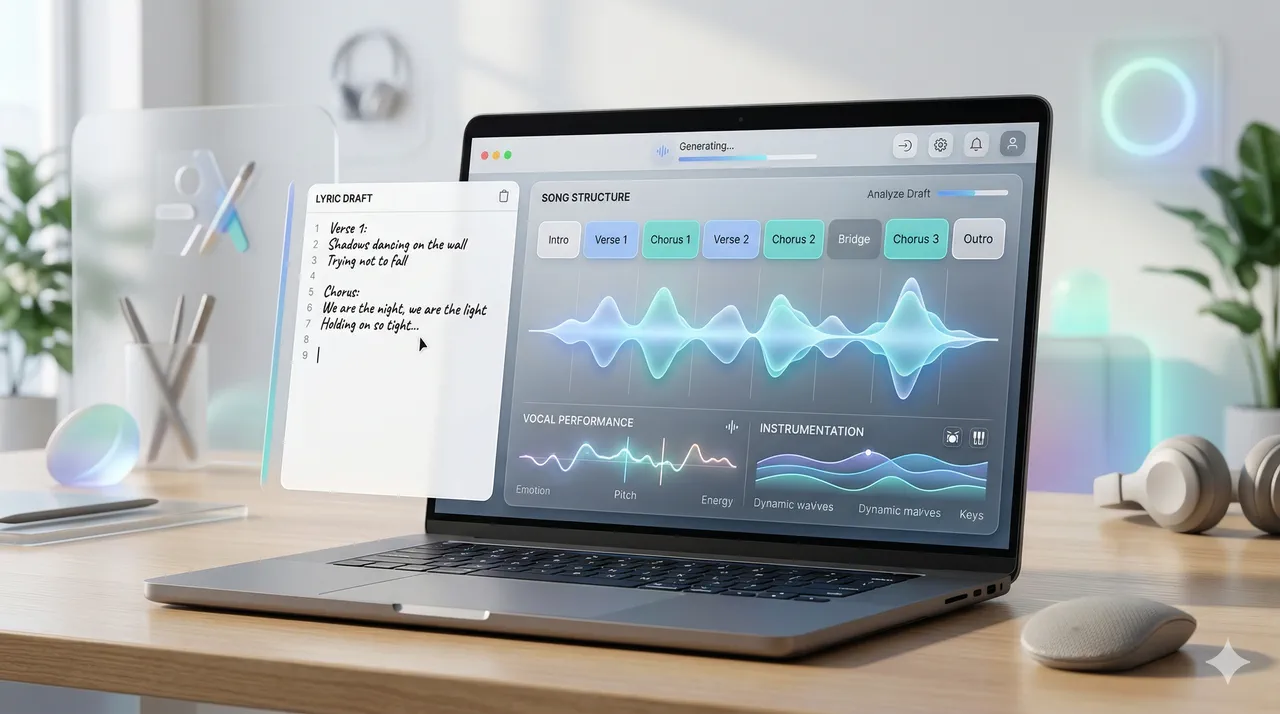
Review the first versions, extend the best result, separate stems if needed, and download the track for demos, creator work, client work, or release prep.
Extend & refine →Lyrics To Music is built for turning lyrics into songs first. You can also branch into text-to-music or lyric drafting when your project starts from a prompt instead of finished words.
Start with lyrics, a hook, or a rough draft and move into a lyrics-first song workflow built around melody, vocals, sections, and production.
Turn lyrics into a song →Start from a scene, mood, or creative brief when you need instrumental music before lyrics or vocals.
Generate instrumental music →Develop verses, hooks, and choruses first, then move your strongest lines into the song generator.
Draft lyrics first →Lyrics To Music helps when you need to hear a lyric idea back quickly instead of leaving it as text on the page.
“I usually have lyrics before I have production. Lyrics To Music lets me hear the song idea back fast, which makes it much easier to decide what lines are really working.”
“I use it when I have a chorus and a verse idea but not a full arrangement yet. It gives me a first version quickly enough that I can keep momentum instead of overthinking.”
“Sometimes I start from a poem, sometimes from a hook. Lyrics To Music is useful because it handles messy inputs well and still gives me a usable song draft.”
“For lyric-led intros and branded hooks, this is much faster than trying to assemble a temp track manually. I can go from words to a presentable draft in one sitting.”
“It is especially good for testing whether a lyric draft wants to be cinematic, pop, or softer acoustic. That speed helps a lot in early demo work.”
“We use it to test lyric-led campaign ideas before paying for full production. It gives us something we can react to quickly and share internally.”
Have lyrics, a hook, or a rough chorus ready?
Turn it into a songPaste your lyrics into Lyrics To Music, choose a style or mood, and generate a complete song draft with vocals, melody, sections, and production.
Yes. The workflow works with finished lyrics, short hooks, poems, rough verses, or chorus ideas, then turns the text into a playable song draft.
A few lines can be enough. Start with a hook, verse fragment, short poem, or rough chorus, then use the first generated version to decide what to expand or rewrite.
Yes. After signing in, the free plan includes 3 song generations per day, which can produce up to 6 song outputs. Free-plan songs are public by default and available for online listening; paid plans add downloads, private generations, and higher limits.
Lyrics To Music focuses on turning lyrics into songs with vocals, structure, and melody. Text to Music is better when you want instrumental music from a prompt, mood, or scene description without starting from lyrics.
Yes. After you generate a track, you can extend the song, separate vocals, extract stems, and keep refining the version that fits best.
No. Lyrics To Music runs in the browser and is designed for creators who can write a lyric idea or describe a sound in words, even if they do not use a DAW or know music theory.
Lyrics To Music is useful for songwriters, topliners, creators, marketers, indie teams, and anyone who wants to turn words into a first playable song quickly.